
For families · Getting started
Joining your school online
Sign up your family on your school’s website. It’s free, and it takes about five minutes on your phone.
 1
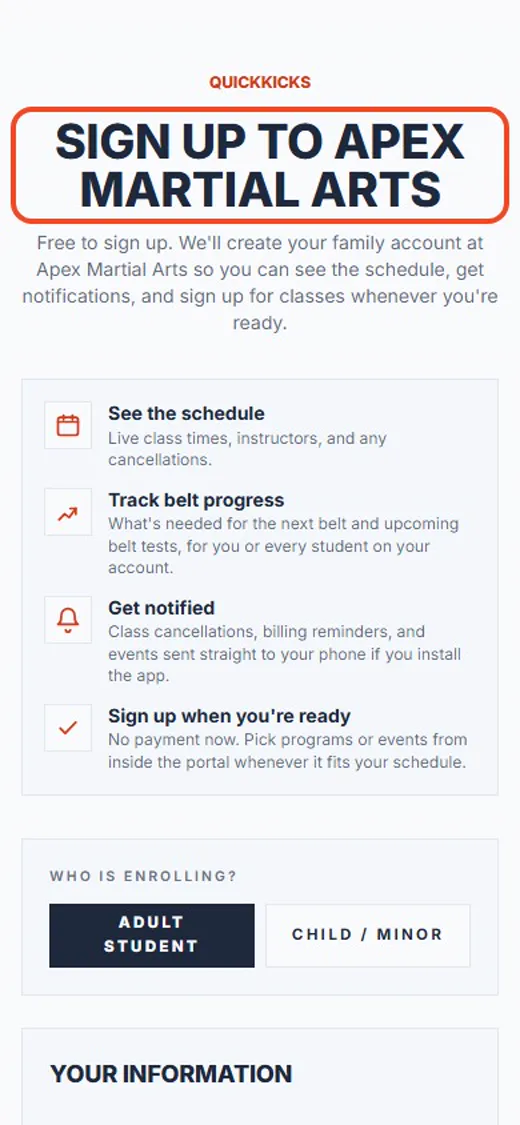
1Open your school’s sign-up link
It’s on your school’s website, or in an email from them. Signing up is free.
 2
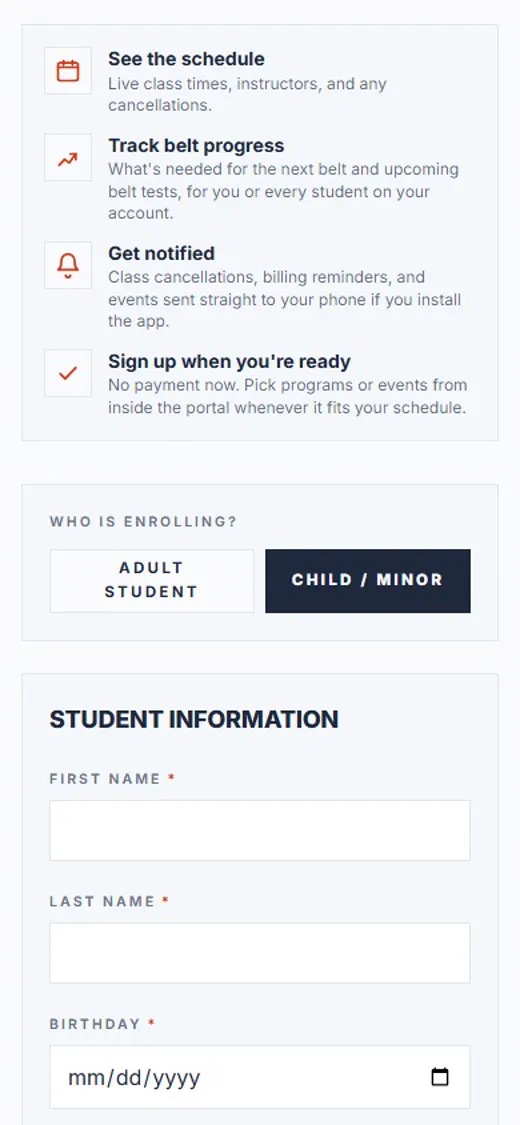
2Tap Child / minor
Tap Child / minor for your son or daughter, or Adult student if the lessons are for you.
 3
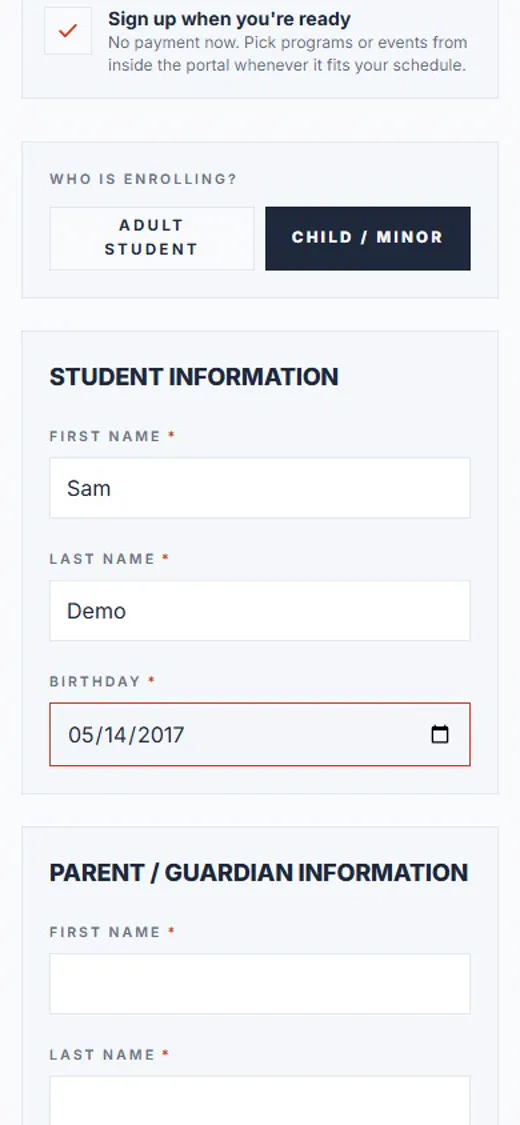
3Your child’s name and birthday
Type your child’s first name, last name and birthday.
 4
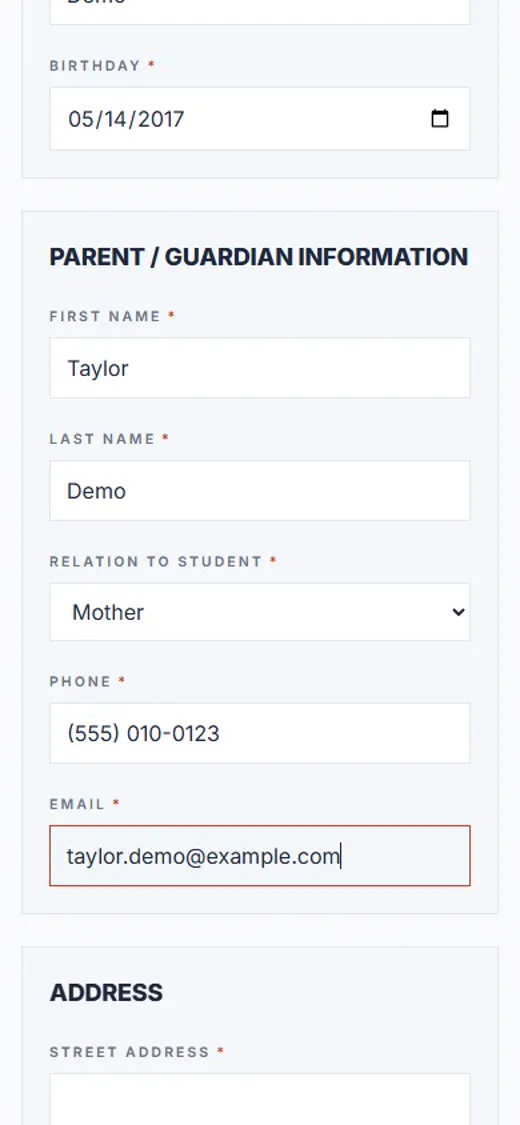
4Now, about you
Your name, how you’re related, your phone and email. Use an email you check: your sign-in link goes there.
 5
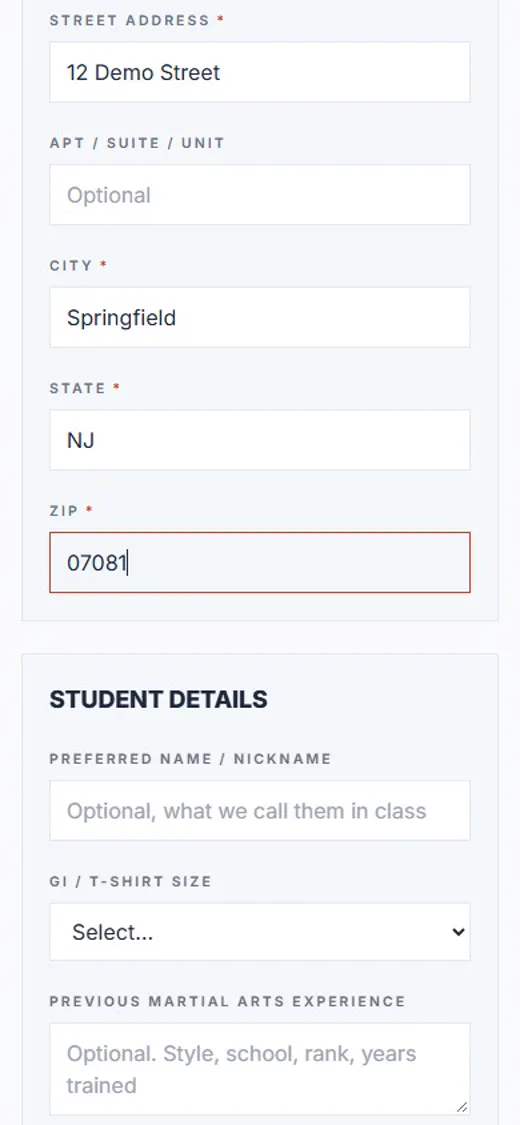
5Your home address
Your street, city, state and ZIP code.
 6
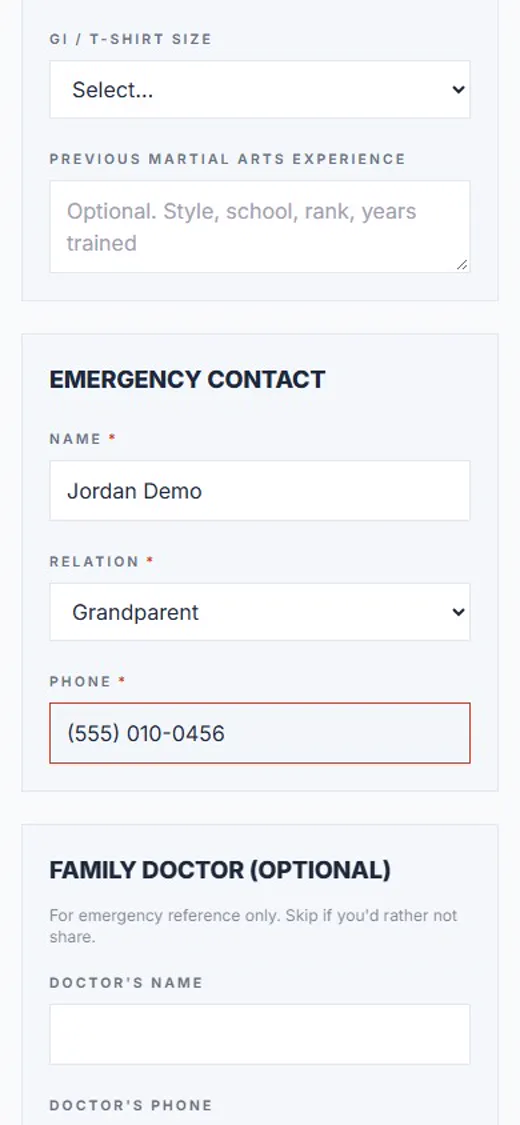
6Add an emergency contact
Someone the school can call if they can’t reach you. The family doctor is optional.
 7
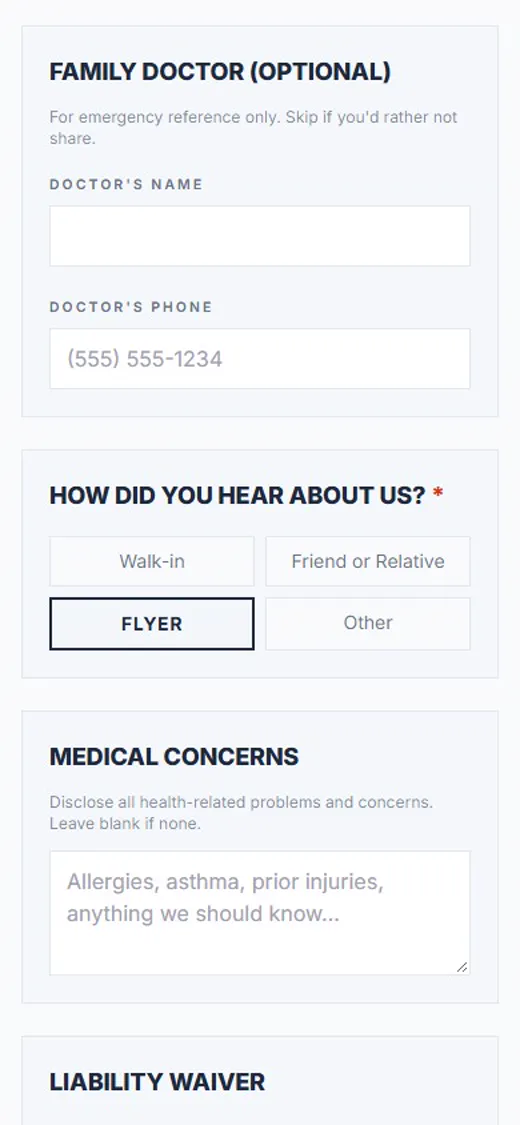
7How did you hear about us?
Pick how you heard about the school. You need to choose one, or the form won’t send.
 8
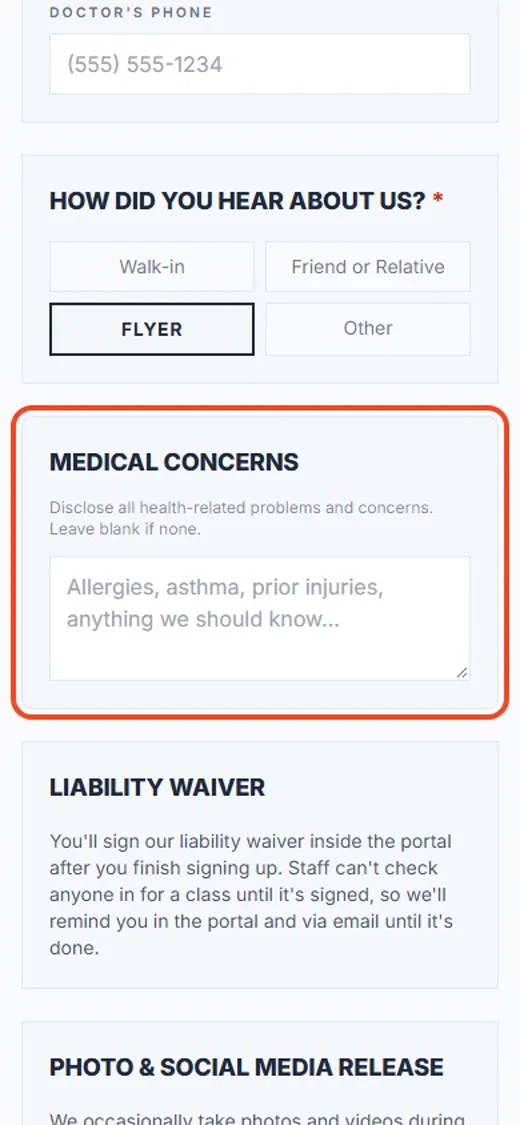
8Anything the school should know
Allergies, asthma or an old injury: write it in Medical concerns. If there’s nothing, leave it blank.
 9
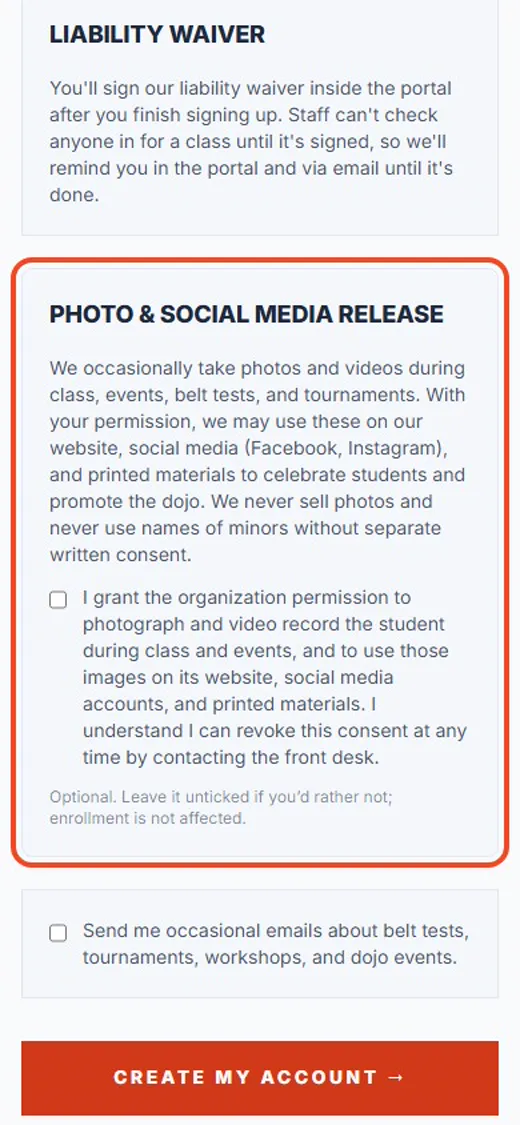
9Photos: your choice
Up to you: tick the box if the school may share photos of your child, or leave it empty.
 10
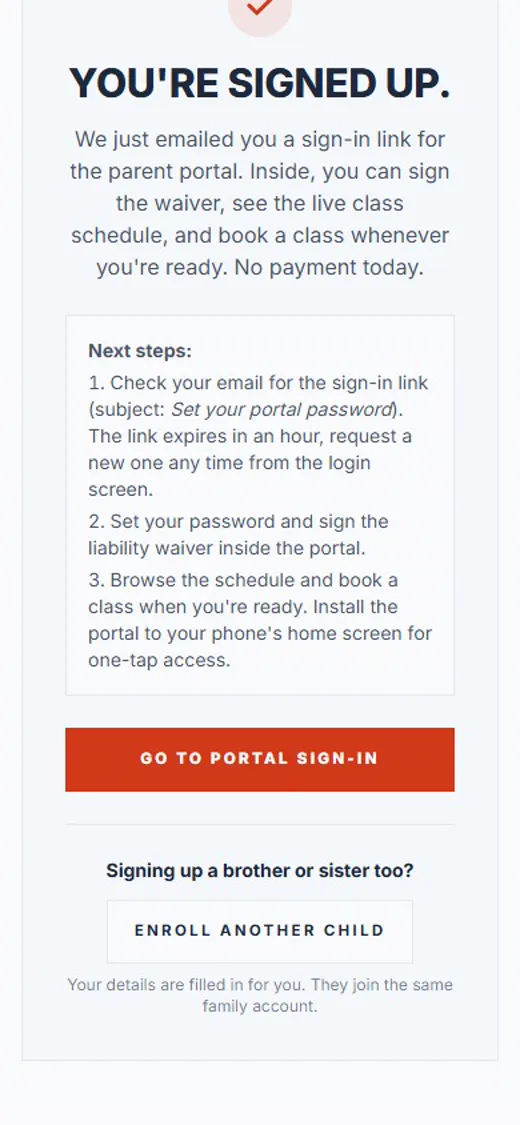
10Tap Create my account
No charge today. You’ll sign the waiver next.
Shown with Apex Martial Arts, a demo school. Your school’s pages may look a little different.
What happens next
- 1
Check your email
Look for the email Set your portal password and tap its link. The link works for an hour; if it runs out, ask for a new one on the sign-in screen.
- 2
Sign your waiver
Your school can’t check anyone in for class until it’s signed. See the guide Signing your waiver.
- 3
Get the app
Search for QuickKicks in the App Store or Google Play and sign in with the same email. See the guide Getting the app and signing in.
Good to know
- Signing up more than one child?
- After you sign up, tap Enroll another child. Your details are filled in for you, and they all join one family account.
- Does it cost anything to sign up?
- No. You pick a program later, in the app or with your school.
- Made a mistake?
- You can fix your contact details later in the app, under your profile.
Stuck?
Ask the front desk at your school. They can see your sign-up and help you finish it.